

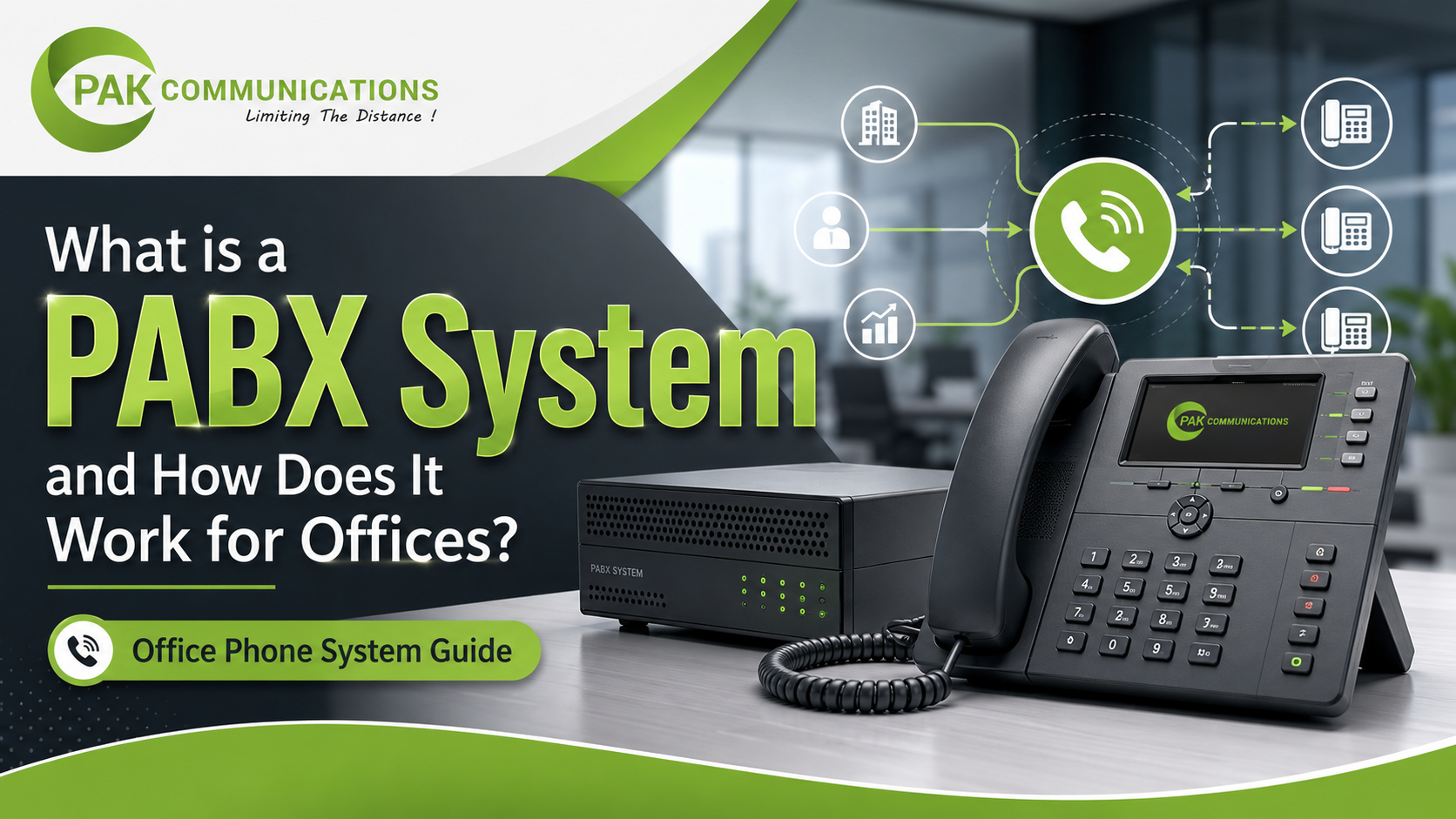
Every office needs a simple way to handle calls between departments and with customers. This is exactly what a PABX system does. PABX stands for Private Automatic Branch Exchange. It is a private telephone network that connects all the desk phones in an office through one central unit, so staff can call each other using short extension numbers and share a limited number of outside lines.
Offices that install a PABX system in Pakistan use it to manage reception calls, transfer customers to the right department, and keep internal communication fast and free. In this guide, you will learn what a PABX system is, how it actually works, what its main parts are, and why offices still depend on it every single day.
What Does PABX Stand For?
PABX is the short form of Private Automatic Branch Exchange. Each word in the name explains something useful. “Private” means the exchange belongs to one company, not to the public telephone network. “Automatic” means the system connects calls on its own, without a human operator. “Branch Exchange” means it works as a small switching center inside the building.
In the early days, offices used manual switchboards where an operator physically connected every call by plugging in cables. The automatic exchange replaced that operator with electronic switching. That is the only real difference between an old PBX and a modern PABX, which is why the two terms are often used for the same thing today.
How Does a PABX System Work?
Think of a PABX system as a smart traffic controller for office calls. All calls, whether they come from outside or start inside the office, pass through one central unit that decides where each call should go.
Trunk Lines and Extensions
The system works with two types of connections. Trunk lines are the outside lines that come from the telephone company into your office. Extensions are the internal lines that connect the central unit to every desk phone inside the building.
Here is the clever part. An office with forty employees does not need forty outside lines. It may only need four or five trunk lines, because all forty staff members rarely make outside calls at the same moment. The exchange shares those few trunk lines among all the extensions, which keeps the setup simple and efficient.
Call Routing Inside the Office
When a customer dials your main office number, the call lands on the central unit first. The telephone exchange then routes it based on the rules you set. It may ring at the reception desk, play a recorded greeting that says “Press 1 for sales, press 2 for support,” or go straight to a specific department.
Internal calls are even simpler. An employee in accounts dials a short number like 102, and the PABX telephone exchange connects the call directly to that extension. The call never leaves the building and never touches an outside line, so it costs nothing.
Key Components of a PABX Telephone System
A complete setup has four main parts working together.
The main control unit. This is the heart of the system. It is a cabinet or box, usually installed in a server room or near reception, that contains the switching hardware and stores all the call rules.
Extension phones. These are the desk phones placed on every table. A PABX phone can be a basic analog handset for normal staff or a feature-rich digital set for managers.
The operator or reception console. This is a special PABX telephone with extra buttons that shows which extensions are busy. The receptionist uses it to answer incoming calls and transfer them quickly.
Cabling and ports. Internal wiring runs from the control unit to every extension point in the office. The number of ports on the unit decides how many phones and trunk lines you can connect.
Main Features Offices Use Daily
Modern systems come packed with features, but a few of them are used in almost every office, every day.
- Extension dialing. Staff reach each other with two or three digit numbers instead of full phone numbers.
- Call transfer. Reception answers a call and sends it to the right person in seconds.
- Call hold. A caller waits with music or a message while the staff member checks information.
- Auto-attendant. A recorded voice menu greets callers and routes them without a receptionist.
- Conference calling. Three or more people join one call for quick group discussions.
- Call recording. Important customer calls can be recorded for training and quality checks.
Each feature removes a small daily friction, and together they make the whole office sound organized and professional.
Why Offices Still Use PABX Systems
With mobile phones everywhere, you might wonder why offices still install a dedicated exchange. There are three strong reasons.
First, cost control. All internal calls are free, and a few shared trunk lines are far cheaper than giving every employee a separate line. Second, professional call handling. Customers reach one official number, hear a proper greeting, and get transferred to the right person instead of chasing personal mobile numbers. Third, easy growth. When a new employee joins, you simply add one more extension to the same unit. The system grows with the business without changing the main number. These are just the highlights, and the full PABX telephone system benefits for small businesses go even further.
Types of PABX Systems (Quick Overview)
There are three common types you will come across.
Analog PABX. The traditional type that works with normal copper telephone lines and basic handsets. It is simple, stable, and budget friendly.
Digital PABX. It uses digital signals between the unit and the phones, which gives clearer sound and more features like display screens and programmable keys.
IP PBX. The newest type, which sends calls over the internet or office network instead of traditional lines, and supports remote workers and software phones.
Each type suits a different office size and budget, and the differences are worth understanding before you choose one. If you are still confused about the naming, the PABX exchange vs PBX system comparison clears it up in detail.
Conclusion
A PABX system is the private telephone exchange that sits at the center of office communication. It shares a few outside lines among many internal extensions, routes every call automatically, and gives the business one professional front door for all its calls. Whether your office has five people or five hundred, the basic idea stays the same. The right setup for you depends mainly on your office size, the number of extensions you need, and the features your team uses most.
Frequently Asked Questions
What is the full form of PABX?
PABX stands for Private Automatic Branch Exchange. It is a private, automatic telephone switching system used inside an organization.
Is PABX the same as PBX?
Almost. PBX is the older general term, and the “A” in PABX simply highlights that the switching is automatic. Today nearly every exchange is automatic, so the two terms usually refer to the same equipment.
Do small offices need a PABX system?
Yes, even a small office benefits. A compact unit with one or two trunk lines and eight to sixteen extensions gives a small team free internal calling and professional call handling at a low running cost.