

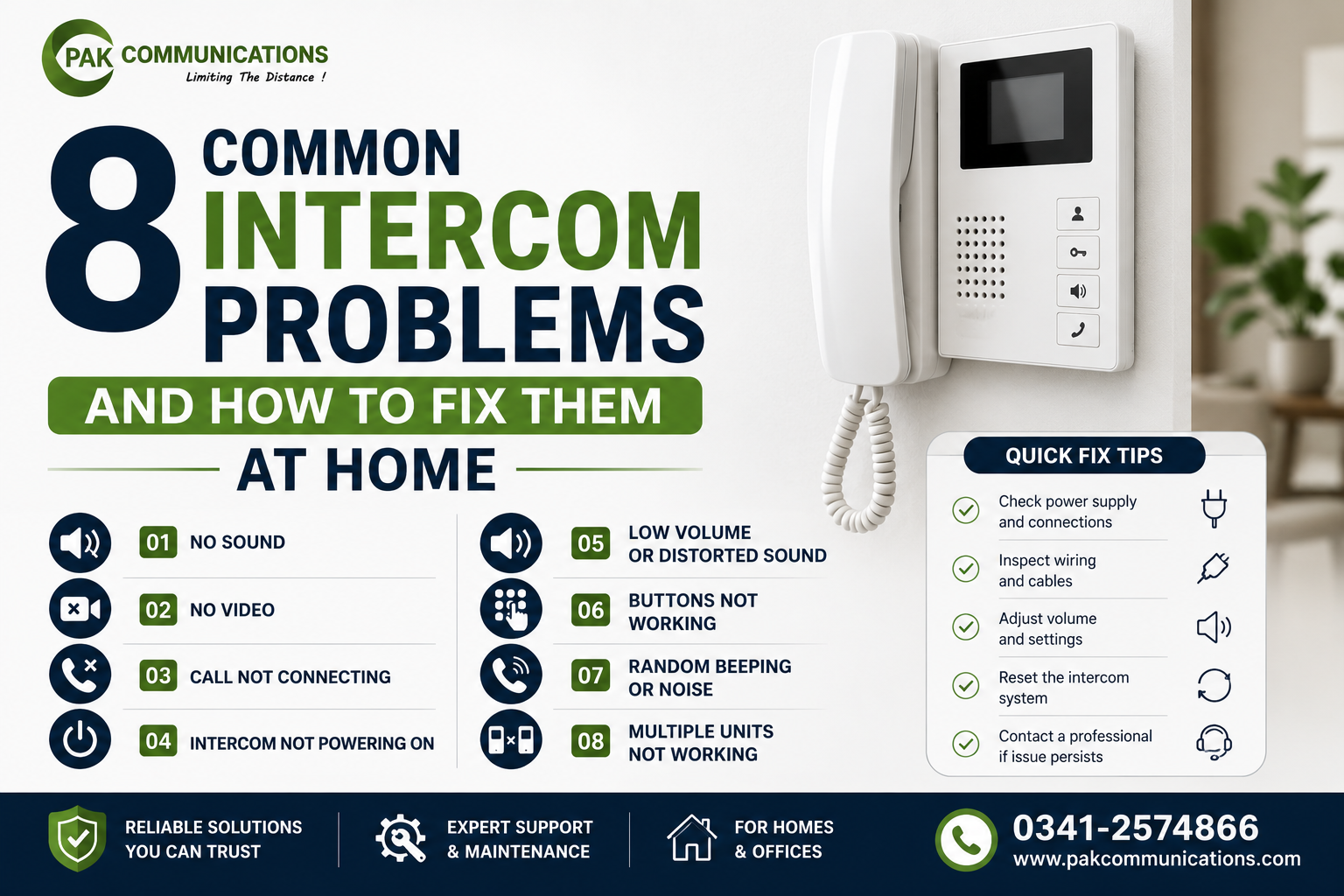
Like any electronic device, an intercom can occasionally act up. Maybe the sound stops working, the screen goes blank, or you hear an annoying buzzing noise during calls. The good news is that most intercom problems are minor and can be fixed at home in a few minutes, without calling anyone. Knowing what to check can save you both time and money.
In this guide, we cover the 8 most common intercom problems and simple steps to fix each one, so you can get your system working again quickly.
1. No Sound or One-Way Audio
If you cannot hear the visitor, or they cannot hear you, the problem is usually with the volume settings or connections. Start by checking the volume on both the indoor and outdoor units. Make sure the microphone and speaker openings are not blocked by dust or paint. For wired units, inspect the audio wiring for any loose connection.
2. No Video on the Screen
A blank or black screen on a video intercom often points to a power or connection issue. Confirm the indoor monitor is receiving power, check that the camera cable is securely connected, and make sure the outdoor camera lens is not covered or dirty. If the screen is dark only at night, the unit may simply lack night vision.
3. Buzzing or Static Noise During Calls
A buzzing or humming sound usually comes from electrical interference or loose wiring. Keep the intercom wiring away from heavy power cables, tighten any loose connections, and ensure the units are properly grounded. For wireless models, interference from nearby devices can also cause static, so try repositioning the unit.
4. Weak or Dropping Wireless Signal
If your wireless intercom keeps losing connection, the cause is often distance or wall thickness. Thick concrete walls common in Pakistani homes weaken signals between floors. Move the units closer together if possible, reduce the number of walls between them, or choose a position with a clearer line of sight to improve the signal.
5. Intercom Not Powering On
When the unit is completely dead, the issue is almost always with the power supply. Check that the adapter is firmly plugged in and the socket is working. If you use a UPS or battery backup, confirm it is charged and functioning. A faulty adapter is a common and inexpensive part to replace.
6. Gate Not Unlocking from the Intercom
If the door release button is not opening your gate, the problem lies in the lock connection, not the intercom itself. Check the wiring between the intercom and the electric lock, confirm the lock has power, and make sure the lock itself is working. This feature depends on a proper connection between two separate components.
7. Poor Camera Image Quality
A blurry or unclear camera image is often caused by a dirty lens or bad positioning. Gently clean the camera lens, and make sure it is not facing direct sunlight, which causes glare. If the image is poor only at night, the unit may need night vision, which not all models include.
8. Echo or Feedback During Conversations
An echo usually happens when the volume is set too high or the units are placed too close together in an open space. Lower the speaker volume slightly on both ends, and avoid testing the units side by side, since that naturally creates feedback. In normal use, with units placed apart, the echo typically disappears.
When Troubleshooting Does Not Work
Most of these problems have quick fixes, but sometimes the issue runs deeper. If you have a wiring fault, a damaged unit, or a complex installation problem, it may be time to involve a professional. It also helps to make sure the system was set up correctly in the first place, so reviewing our intercom installation guide can reveal whether a setup mistake is behind the problem.
When to Repair and When to Replace
Not every faulty intercom is worth repairing. If your unit is old, the parts are hard to find, or repairs cost almost as much as a new set, replacement is the smarter choice. A new intercom also brings better features like sharper cameras, night vision, and smart connectivity that older units lack.
If your intercom is beyond repair, you can buy intercom replacements and compare current models on our intercom collection page.
Frequently Asked Questions
Why is my intercom not making any sound?
No sound is usually caused by low volume settings, a blocked speaker or microphone, or a loose wiring connection. Check the volume on both units first, clean the speaker and microphone openings, and inspect the wiring for wired models.
Why does my intercom screen show no video?
A blank screen often means a power or connection issue. Confirm the monitor has power, check that the camera cable is securely connected, and make sure the camera lens is clean and uncovered. A dark screen at night may mean the unit lacks night vision.
How do I fix a buzzing noise on my intercom?
Buzzing is usually electrical interference or loose wiring. Keep intercom wires away from heavy power cables, tighten loose connections, and ensure proper grounding. For wireless units, move the intercom away from other devices that may cause interference.
Why does my wireless intercom keep losing signal?
Distance and thick walls are the most common causes. Concrete walls weaken wireless signals, especially between floors. Move the units closer, reduce the walls between them, or reposition them for a clearer line of sight to strengthen the connection.
Should I repair or replace my intercom?
It depends on the age and cost. If your intercom is old, parts are scarce, or repair costs approach the price of a new unit, replacement is usually wiser. A new intercom also offers modern features that older models do not have.
Conclusion
Most intercom problems, from no sound to a weak signal, have simple fixes you can handle at home in a few minutes. Start with the basics like power, volume, connections, and positioning before assuming the worst. If a problem persists or the unit is too old to be worth repairing, replacing it is often the smarter move.
Need a reliable replacement? Explore our complete intercom collection and find the right model for your home or office.