

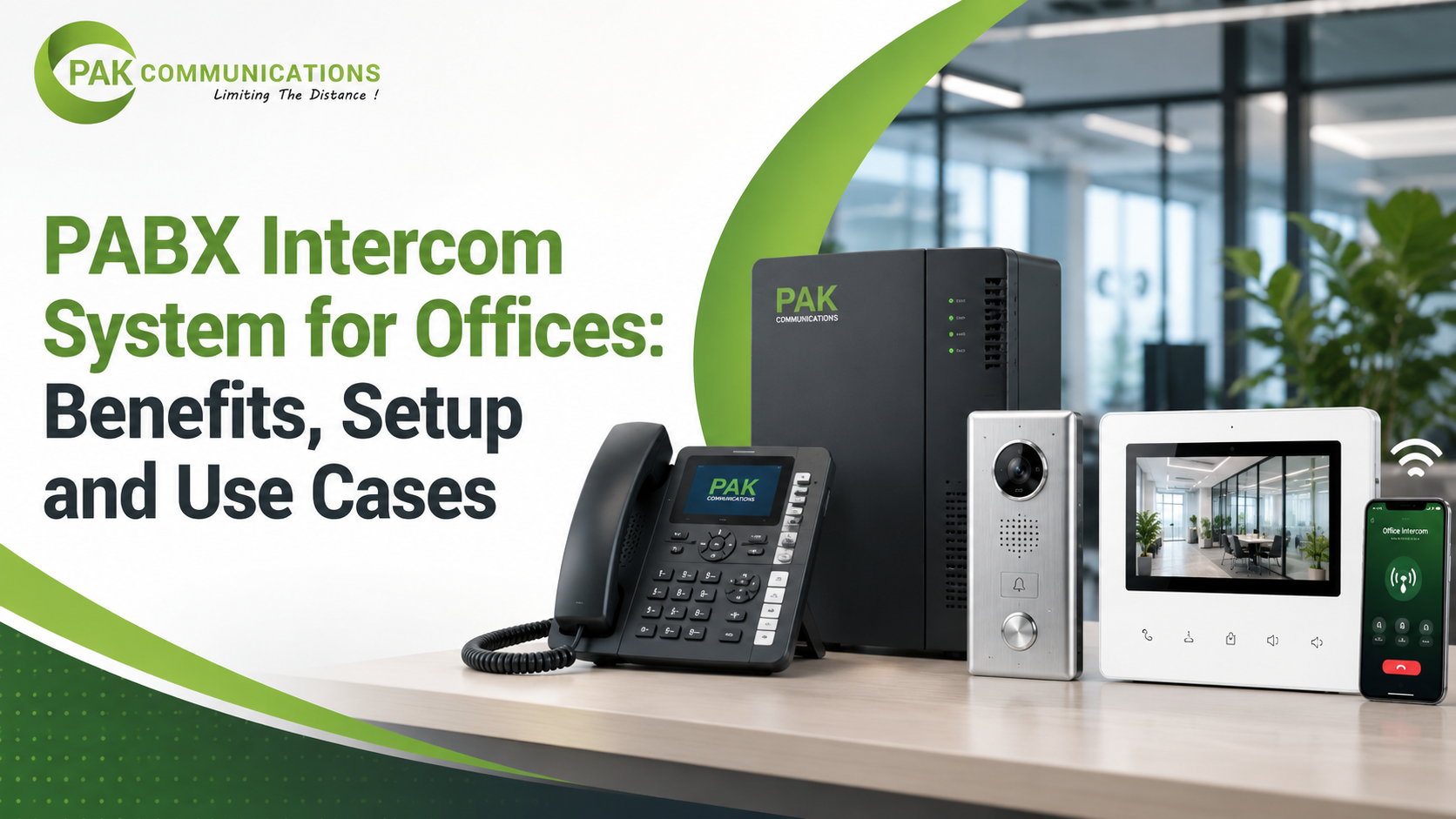
Most offices install a PABX system to handle incoming customer calls and outside lines. What many of those offices miss is that the same exchange also manages every internal call between desks, departments, floors, and even the front gate. This internal calling feature is the intercom, and it is built into every standard PABX setup at no extra cost or with separate hardware.
This guide explains how the PABX intercom works, where it saves the most time in daily office life, how to set it up correctly, and which use cases benefit the most from it.
What is a PABX Intercom System?
An intercom system on a PABX is the internal calling function that lets any extension in the office ring any other extension directly using a short two or three digit number. No outside line is used, no telephone company connection is involved, and no call cost is charged. The call stays entirely within the office exchange from the moment it is dialed to the moment it is answered.
Every PABX phone in the system gets its own extension number during the initial programming. From that point forward, any staff member can pick up their handset, dial the short extension number of a colleague, and the exchange connects the call instantly. The pabx telephone on the receiving end rings just like a normal incoming call, and the person answers it in exactly the same way.
This simplicity is what makes the intercom feature so useful in daily office operations. It removes the need for mobile calls between departments, eliminates the habit of walking across the office to pass a message, and keeps all internal communication fast, private, and free.
How Does the Intercom Feature Work Inside a PABX?
The internal call flow on a PABX telephone exchange is straightforward. When a staff member dials an extension number, the request goes to the central exchange unit. The unit checks which physical port that extension number is assigned to, then sends a ringing signal directly to that port. The receiving phone rings, the call is answered, and the two parties speak. The entire connection process takes less than a second.
Beyond basic extension-to-extension calling, most PABX systems support two additional intercom modes that are useful in larger offices.
The first is hands-free intercom. On models that support this feature, a call to a specific extension opens the speaker on the receiving phone automatically without the person needing to lift the handset. This is particularly useful on a factory floor or warehouse where a worker cannot easily reach for a phone. The manager speaks, the message comes through the speaker, and the worker can respond by pressing a single button.
The second is group paging. Instead of calling one extension at a time, the user dials a paging code and speaks a message that broadcasts simultaneously to all extensions in a selected zone. A single announcement from the reception desk can reach every phone on an entire floor at once, without anyone needing to be called individually.
Key Benefits of a PABX Intercom System for Offices
The intercom function delivers real daily value that goes well beyond simple convenience. Offices that fully use the internal calling features of a PABX intercom system see measurable improvements in how quickly staff communicate and how professionally they manage both internal and external calls.
Free internal calls. Every call between extensions is completely free regardless of how many times staff call each other during the day. There is no per-call charge, no mobile credit used, and no bill at the end of the month for internal communication.
Instant department reach. Reception can transfer an incoming customer call to the right department in seconds by dialing the department extension. No mobile numbers are needed, no one has to walk to another room, and the customer is not kept waiting while the receptionist searches for a contact.
Hands-free communication for floor staff. Warehouse workers, production floor staff, and maintenance teams can be reached and can respond without stopping their work to handle a phone. This is one of the most underused benefits in offices that have a physical operations component.
Reduced mobile dependency. When every desk has a working extension, internal communication stops depending on personal mobile numbers. This matters especially when a staff member changes their phone or is not reachable on their personal number during working hours.
Professional internal structure. Departments have their own extension groups, managers have direct numbers, and reception controls the flow of all incoming calls. This structure makes even a small office operate with the communication discipline of a much larger organisation.
Common Use Cases Across Office Types
The intercom feature on a PABX system shows its value differently depending on the type of office. Here are four practical examples from real office environments.
Reception to department routing. A customer calls the main office number. The auto-attendant greets them and gives department options, or reception answers and asks who they need. The receptionist dials the department extension number and transfers the call in under ten seconds. The customer reaches the right person without being asked to call a separate mobile number.
Warehouse and store operations. A store manager needs to check stock availability with the warehouse team without leaving their desk or making a mobile call. They dial the warehouse extension, get an instant answer, and confirm the information in under a minute. The warehouse worker picks up from a wall-mounted extension without stopping their work.
Gate and security intercom. The guard at the main gate needs to verify a visitor before allowing entry. They press the gate phone and ring the reception or the relevant manager directly. The manager confirms or declines from their desk phone. No mobile calls, no shouting across the compound, and a clear record of who approved which entry.
Hotel or multi-floor office. A front desk needs to reach housekeeping on the third floor or a room service team on the second. Each floor has its own extension group. The front desk dials the floor zone number and the message reaches the right team instantly, whether through a direct extension call or a floor-level page.
How to Set Up Intercom on a PABX System
Setting up the intercom feature does not require additional hardware beyond what is already installed for standard calling. The configuration happens entirely within the programming of the exchange unit itself.
The setup process follows four main steps. First, each physical phone port on the unit is assigned a unique extension number during the initial programming session. Second, extensions are grouped by department so that reception can reach an entire department with a single short code rather than knowing every individual extension number. Third, paging zones are configured if the office needs group announcements across multiple extensions at the same time. Fourth, every extension is tested by making a call from each point and confirming the correct phone rings at the receiving end.
The programming is done through the operator phone or a connected computer, depending on the model. Most setups take between one and four hours depending on the number of extensions and the complexity of the department groupings.
For a complete step-by-step walkthrough of the full setup process, the PABX system installation checklist covers wiring, extension assignment, device placement, and testing in the correct sequence from start to finish.
Do You Need Extra Hardware for PABX Intercom?
For internal extension-to-extension calling and group paging, the answer is no. The intercom feature runs entirely on the wiring and phones already installed as part of the standard PABX setup. No separate intercom panel, no additional cabling, and no extra devices are required.
The only exception is a door phone. If the office needs intercom connectivity at the main entrance, gate, or a specific door, a door phone unit is required. This is a small weatherproof handset or speaker panel that mounts at the door and connects to one of the analog ports on the PABX device. Once connected and programmed, it works like any other extension. Reception or a nominated phone can call the door directly, and the door unit rings like a normal extension call in reverse.
Door phones are low-cost add-ons and are widely available for all major PABX brands. The important thing is to confirm that the specific model you purchase supports door phone connectivity before installation, as not all entry-level units include this port.
Conclusion
The intercom function is one of the most practical and underused features of a standard office PABX setup. It removes the cost and inconvenience of internal mobile calls, connects departments instantly, supports floor and gate operations without extra hardware, and gives even a small office a professional internal communication structure. It comes built into the same system your office already uses for outside calls, runs on the same wiring, and adds zero ongoing cost to your monthly bill.
If your office is in the process of setting up or upgrading its phone system, finding the right exchange with a strong intercom capability is the first step. Browse the full range of options from a trusted supplier of PABX system in Karachi and confirm intercom and paging support before finalising your choice.
Frequently Asked Questions
Does every PABX system have an intercom feature?
Yes, internal extension-to-extension calling is a standard feature on every PABX system regardless of size or price point. Hands-free intercom and group paging are available on most mid-range and higher models but may not be included on the most basic entry-level units. Always confirm paging support if this feature is important to your office.
Can a PABX intercom system work between two office floors?
Yes. As long as the cabling runs from the central exchange unit to extension points on both floors, the intercom works across floors exactly the same way it works within a single floor. The exchange does not distinguish between floors when routing internal calls. It simply routes the call to whichever physical port the destination extension is assigned to.
What is the difference between intercom and extension calling on a PABX?
In practice, they are the same thing on a PABX system. Both refer to direct internal calls between extension numbers that stay within the office exchange without using an outside line. The word intercom is typically used when describing communication between a specific set of points such as reception to gate or manager to warehouse, while extension calling refers to the general ability to dial any extension from any other extension. The underlying mechanism is identical in both cases.