

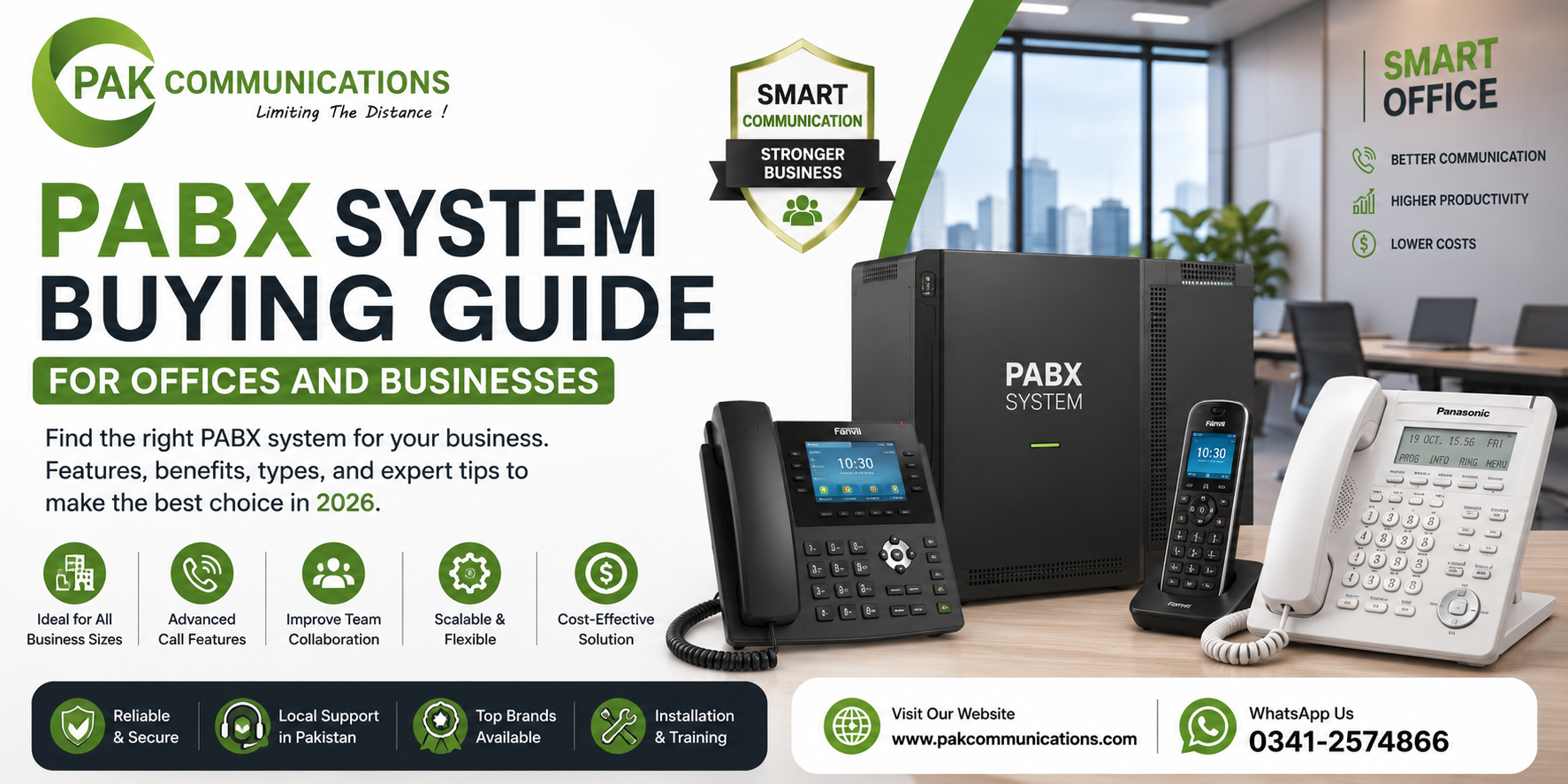
Buying an office phone exchange sounds simple until you start looking at the options. Dozens of models, confusing port numbers, analog versus IP, and every seller claiming their unit is the best. Most offices that buy PABX system in Karachi face the same questions: how many lines do we need, which type should we pick, and which features actually matter?
This buying guide answers all of that in six simple steps. Follow them in order, and by the end you will know exactly what to look for, what to ignore, and which mistakes to avoid before you spend a single rupee on the wrong setup.
Start with What a PABX System Actually Does
Before comparing models, make sure the basics are clear. A PABX is a private telephone exchange that connects all your office phones through one central unit. It shares a few outside lines among many internal extensions, routes incoming calls to the right department, and lets staff call each other for free using short numbers.
If you are completely new to the topic, first read what is a PABX system and how it works. Once the basic idea is clear, the six buying steps below will make much more sense.
Step 1: Count Your Lines and Extensions
This is the single most important number in your purchase. Every PABX device is sold by its capacity, written as something like 3×8 or 8×24. The first number is the trunk lines, meaning the outside lines coming into your office. The second number is the extensions, meaning the internal desk phones the unit can support.
How Many Extensions Do You Really Need?
Count every point where a phone should ring: each desk, the reception, the meeting room, the store, the guard room, and the owner’s cabin. That is your extension count today. Now add your growth. If your team of fifteen may become twenty-five within two years, do not buy a sixteen-extension unit. Choose a system that either covers your future number now or can be expanded later with add-on cards.
For trunk lines, a simple working rule for most offices is one outside line for every five to eight employees, because everyone never calls outside at the same time. A busy sales office may need more; a workshop may need fewer.
Step 2: Pick the Right Type of System
There are three types in the market, and each suits a different kind of office.
Analog PABX works with traditional copper lines and basic handsets. It is the most affordable and the easiest to maintain, which makes it a solid choice for shops, schools, clinics, and small offices that mainly need calling, transfer, and intercom.
Digital or hybrid PABX supports both analog phones and digital feature phones. It gives clearer sound, display handsets, and programmable keys, and suits growing offices that want more control at the reception.
IP PBX runs calls over your internet or computer network. It supports remote staff, branch connectivity, and software phones on laptops and mobiles. It suits modern offices with good internet and an IT-aware team.
Your office size, layout, and daily call flow decide which type fits, so it helps to learn how to choose the right PABX system for your office size before locking your decision.
Step 3: Check the Features Your Team Will Use
Feature lists look impressive on paper, but you only pay wisely when you separate must-haves from nice-to-haves.
Must-have features for almost every office:
- Auto-attendant that greets callers and routes them by department
- Call transfer and call hold with music or a message
- Three-digit extension dialing across the office
- Caller ID on incoming lines
- Voicemail or a missed-call alert for key extensions
Nice-to-have features, depending on your work:
- Call recording for sales and support teams
- Conference calling for management discussions
- Call restriction, so certain extensions cannot dial mobile or international numbers
- Door phone connectivity for gates and entrances
- Reports that show which extension made which calls
Write your own two lists before talking to any pbx system seller. It keeps the conversation focused on your needs instead of their stock.
Step 4: Compare Brands and Build Quality
A telephone exchange is long-term equipment. Good units quietly run for eight to ten years, so brand reliability matters more here than in most office purchases. When comparing brands, check four things: how easily spare parts and expansion cards are available in your city, whether local technicians know the brand well, how long the official warranty runs, and whether the model line is still in production.
Panasonic is the most common example of a safe choice in this market because its units are widely supported and parts are easy to find. If you are leaning toward that brand, the Panasonic PABX system guide explains its popular office models and what to check in each.
Step 5: Plan the Installation Before You Buy
Many buyers choose a perfect unit and then discover their office wiring cannot support it. Avoid that by planning the physical setup first. Check where the main unit will sit; it needs a dry, ventilated spot close to where your telephone lines enter the building. Count the cable runs from that spot to every extension point, and confirm whether your building already has telephone wiring or needs fresh cabling.
Also confirm the port layout of the unit you shortlist. Some models need separate cards for extra trunk lines, door phones, or recording. Walking through a full PABX system installation checklist before purchase saves you from surprise costs and delays after the unit arrives.
Step 6: Check After-Sales Support and Warranty
This step separates a good purchase from a frustrating one. A telecom system needs programming at setup and small changes later: new extensions, changed greetings, modified call routing. Before buying, ask the supplier three direct questions. Who will program the system and train our receptionist? How fast do you respond if the system goes down? Is the warranty backed by the official brand or only by the shop?
A reliable pabx system supplier answers all three clearly and in writing. If the answers are vague, the unit may be fine, but your experience will not be.
Common Buying Mistakes to Avoid
Even careful buyers repeat the same few mistakes, so check yourself against this list before paying:
- Buying exact-size with no growth room. A full unit on day one means a replacement within a year of hiring.
- Ignoring the wiring. The unit is only half the project; cabling and points are the other half.
- Choosing on brand name alone. A great brand in the wrong capacity or type is still the wrong purchase.
- Skipping the support check. Most long-term complaints are about service, not hardware.
- Paying for features nobody uses. Recording and reports are valuable only if someone actually reviews them.
Conclusion
A smart PABX purchase comes down to six checks: count your lines and extensions with growth in mind, pick the type that matches your office, list the features your team will truly use, choose a brand with strong local support, plan the installation before the unit arrives, and confirm after-sales service in writing. Do these six things and you will get a pabx telephone system that serves your office smoothly for years.
When you are ready to compare actual units side by side, browse the options available from a trusted PABX system supplier in Pakistan and shortlist the models that match your checklist.
Frequently Asked Questions
Which PABX system is best for a small office?
For most small offices, a compact analog or hybrid unit with two to four trunk lines and eight to sixteen extensions covers daily needs. Pick one that can expand with add-on cards so it grows with your team.
What should I check before buying a PABX system?
Check six things: line and extension capacity, system type, required features, brand support in your city, installation and wiring needs, and the supplier’s after-sales service and warranty terms.
Can a PABX system grow with my business?
Yes, if you choose an expandable model. Many units accept extra cards that add more trunk lines and extensions, so always confirm the maximum expanded capacity before you buy, not just the starting capacity.